
If your data team relies heavily on open-source ETL tools, the shifting landscape of data integration tools has likely been on your radar. Following the sunsetting of Talend Open Studio, many developers and organizations were left searching for a reliable, community-backed path forward.
Enter Talaxie—a dedicated, community-driven fork built straight from the trusted foundation of Talend Open Studio 8.
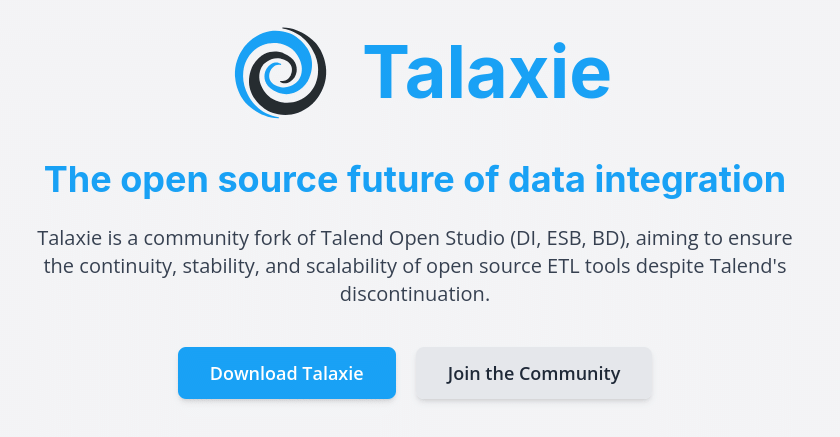
If you are wondering how to transition your existing pipelines without starting from scratch or paying for expensive enterprise licenses, here is everything you need to know about making the leap from Talend Open Studio 8 to Talaxie.
Why the Transition is Necessary
For years, Talend Open Studio (DI, ESB, BD) served as a go-to open-source solution for building data pipelines, integrating APIs, and managing workflows. However, the lack of active maintenance left legacy implementations vulnerable to security risks and stranded on older Java runtimes.
Talaxie was created to fill this exact void. Maintained by and for the data community, it ensures continuity for open-source practitioners. Key benefits of migrating include:
- Zero License Fees & No Vendor Lock-In: Keep using a familiar paradigm without unexpected commercial hurdles.
- Modernized Java Foundation: Talaxie brings native compatibility up to Java 17 and Java 21, optimizing memory performance and security.
- Enhanced Security: Regular vulnerability patching and cleanup of legacy, deprecated core code mean a more stable production environment.
- Forward-Looking Features: The platform introduces modern upgrades like the Talaxie Marketplace and specialized components.
Step-by-Step: Moving Your Projects to Talaxie
One of the best aspects of the Talaxie fork is its design continuity. Because it builds directly on Talend Open Studio 8.0, you don’t need to rewrite your jobs from the ground up.
Step 1: Audit and Backup Your Existing TOS 8 Projects
Before making any changes, export your current workspace items, jobs, and metadata contexts from Talend Open Studio 8. Ensure you have clean archives of your project elements.
Step 2: Prepare Your Java Environment
Because Talaxie leverages modern runtime environments for improved performance and compliance, make sure your local workstation or server environment is upgraded:
- Download and install a compatible runtime (such as Azul Zulu 17/21).
- Point your environment variables to the new JDK.
Step 3: Install Talaxie and Import Your Projects
Download the latest release package from the Talaxie Official Website. Once installed, launch the studio and import your existing Talend Open Studio projects into your new workspace.
Step 4: Validate Maven Settings and Dependencies
When running or compiling your inherited jobs for the first time, check your build settings. For example, ensure your Maven configuration (such as toggling off strict offline mode if necessary) can properly resolve dependencies under the updated framework.
Step 5: Test and Leverage New Capabilities
Run a set of pilot jobs to verify connections, transformations, and output targets. Once your core pipelines are green, you can begin exploring Talaxie-specific features, such as community marketplace plugins and advanced data components.
Final Thoughts
Transitioning from Talend Open Studio 8 to Talaxie isn’t a disruptive migration – it’s an upgrade to a sustainable, community-owned future. By preserving backward compatibility while introducing modern runtime standards and security fixes, Talaxie breathes new life into legacy open-source data architectures.